Your free trial and your Frontmat subscription
Frontmat is $99 a month, flat, for everything and every location. The first stretch is free, and there is no card to enter until you choose to.
The free time
- A studio that is already open gets 14 days from sign-up.
- A studio that has not opened is free until its opening day (up to 90 days from sign-up), then 14 days with real classes. Set the opening day and the banner at the top of the admin reads back the date your first payment would fall on.
- A studio a partner referred may get a longer trial; Billing says so.
Adding a card
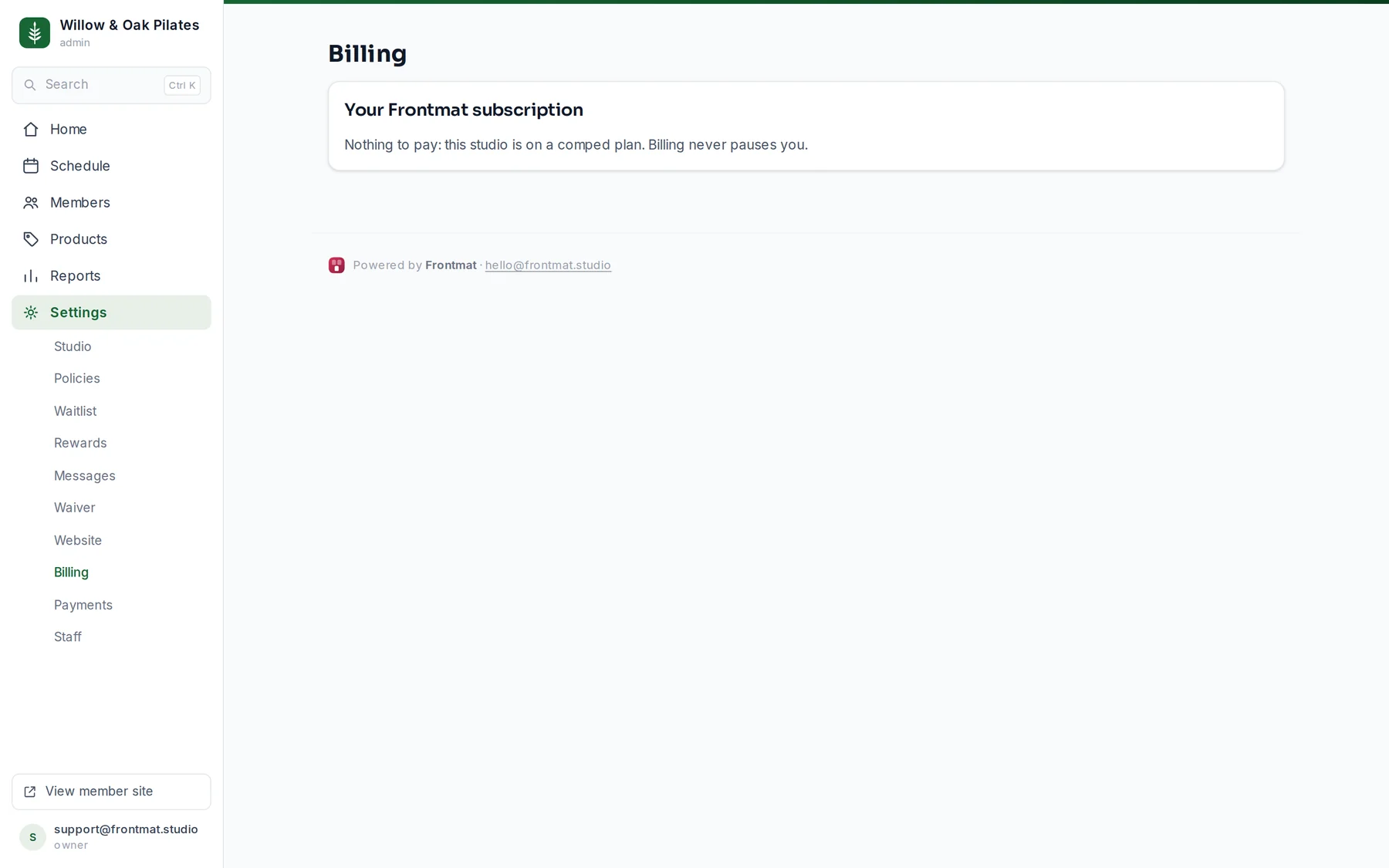
Open Settings › Billing (owners only) and click Add payment method, or Save a card for the date shown. Stripe's checkout page opens; it says in so many words that nothing is charged until your free time ends. Adding a card early does not shorten the free time. In the last week of a trial the banner asks for a card too, so booking stays on.
When the free time ends without a card
Member booking pauses and the banner turns red; nothing is deleted. Subscribe and reopen booking takes a card and everything resumes at once.
If a payment fails
Your studio keeps running for 14 days while you update the card, and the owner gets an email. Update payment method opens Stripe's portal. After 14 days member booking pauses until a payment goes through; again, nothing is deleted.
Managing it
Manage billing opens Stripe's portal: change the card, see invoices, or cancel. A cancellation runs to the end of the paid month. Your data exports any time, before or after.
Founding Studios
A Founding Studio sees a panel on Billing with its seat number and four dates written down: free until you open and for three months after your first class, $49 a month for the rest of the first year, then $99 locked through 2028. The year starts with the first class a member checks into on or after the opening day.