Connect payments (Stripe)
Members pay through your own Stripe account. Stripe pays your bank directly, Frontmat never holds the money, and there is no platform fee on top of Stripe's standard rates. Nothing is for sale until this is done, so it is the first thing to finish.
What to have ready
- Your legal business name, and your EIN (or your SSN for a sole proprietor).
- The routing and account numbers of the bank account your money goes to.
- A phone that can take a text code.
If Stripe asks for a document, you can finish later. Home keeps the reminder until Stripe is done.
Connecting
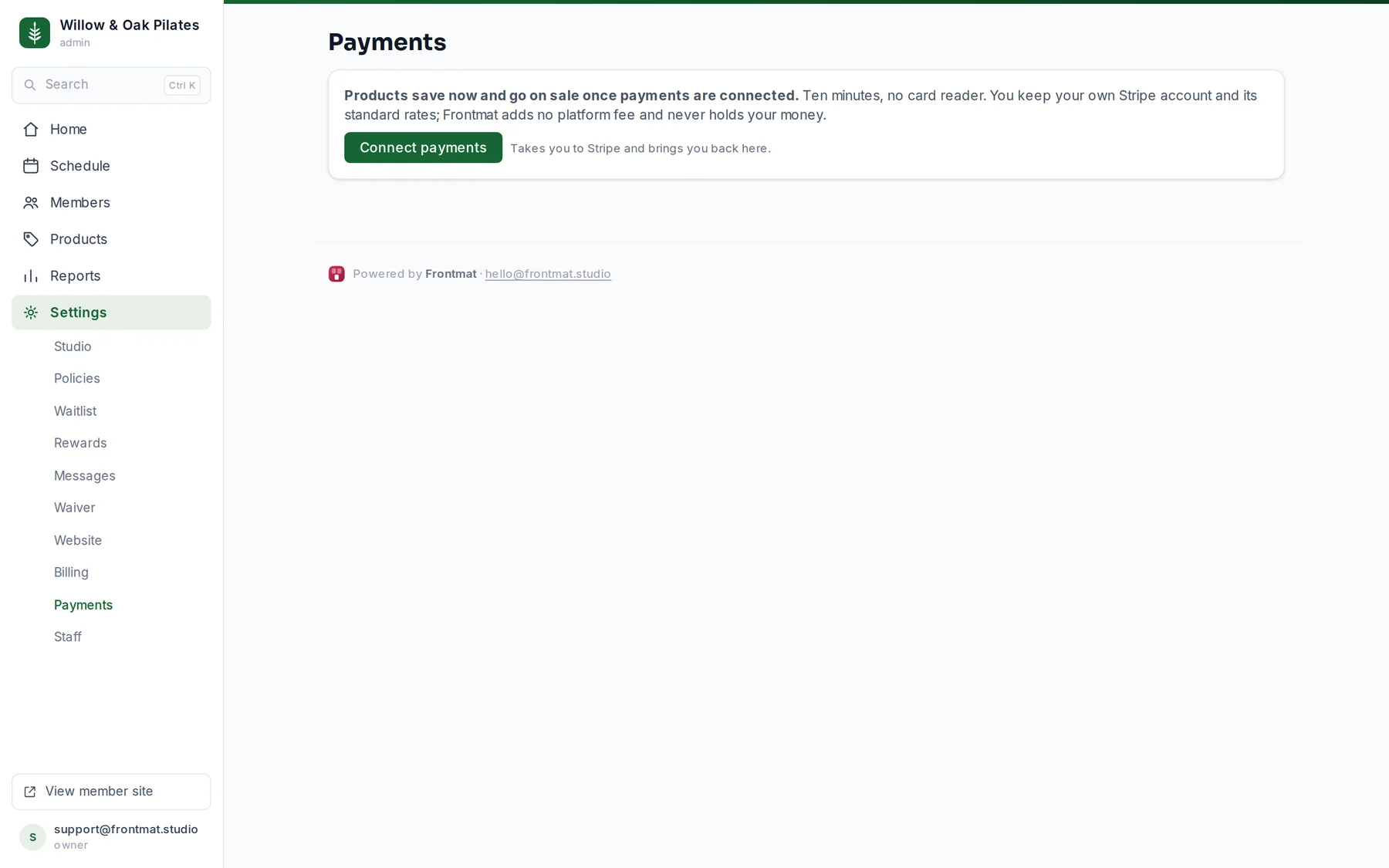
- Open Settings › Payments (owners and admins) and click Connect payments. The welcome wizard's third step has the same button.
- Stripe opens. Sign in to an existing Stripe account, or create one there; either way it stays your account. Fill in what Stripe asks.
- Stripe brings you back to the page you left. The notice says whether Stripe is taking payments or still verifying.
Connected, still verifying
Connected is not the same as ready. Stripe often reviews a new account for a day, and sometimes asks for one more thing. While it does, Settings › Payments and Home both say what Stripe is waiting on (Stripe asked for an ID document, Stripe needs the bank account your money goes to, and so on) with a Finish in Stripe link. Frontmat checks with Stripe every hour and clears the line itself; Check now asks Stripe this minute.
The rows on the page are Stripe's own answers: Charges on or off, Payouts on or off, whether your Details were sent, and what Stripe still needs. Members can buy once charges are on.
What members see meanwhile
- Not connected: your store shows your products as available at the studio, or On sale soon if you have not opened.
- Verifying: the store says Buying opens soon and that the studio is finishing its payment setup. A founding tier with a cap offers Save my spot, which takes an email only; Home tells you when those people can be emailed that buying is open.
- Members who already have credits (imported members, and you, with your starter credits) can book before payments are ready. Nobody can buy.
Good to know
- Products save before you connect and go on sale the moment charges are on; the Products page says so until then.
- Stripe has no fitness category when it asks for your industry. Other entertainment and recreation works, and Stripe can change it in review.
- Connected the wrong account? The bottom of Settings › Payments has Disconnect Stripe. Your products are kept and re-created on the next account. Cancel any active member subscriptions in Stripe first; the disconnect refuses while any remain, so nobody keeps being billed by an account you can no longer see.
- An account made with Stripe's test "skip this form" shortcut has no business name and cannot take payments. Disconnect it and connect with a real login.