Help · Website and member app
How members buy, book and cancel
What a member does, in the order they do it. Useful when someone asks at the desk, or for the one message you send when you switch.
The first time
- Open the studio's address and tap Sign in. Type your email and open the link we send. No password.
- Pick a class. The first booking asks you to sign the studio's waiver: read it and type your name.
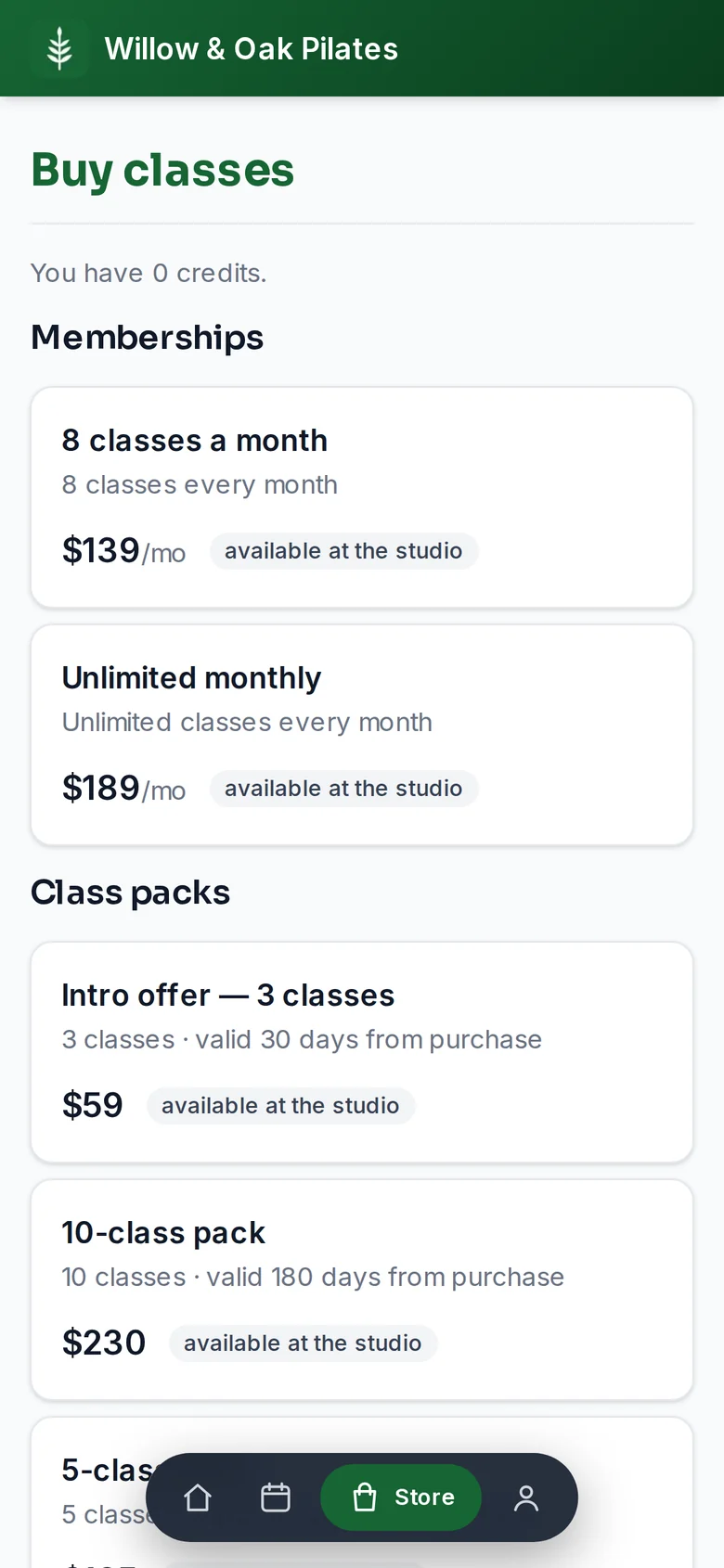
- If you have credits (a pack you bought, or a balance the studio brought over), tap Book. If not, buy a pack or a membership in the Store, or pay the drop-in on the class page.
Booking
- A class costs credits; one is the usual. Book for 1 credit books it. In a pick-a-spot room, choose your reformer or bike on the map first; your usual spot is preselected.
- No credits? Pay $30 drop-in & book pays for this one class. Packs cost less per class.
- The booking email has the address and a calendar invite.
- A full class offers Join waitlist. Far from class you are booked automatically when a spot opens; near class you get a claim offer with a time limit, and the first claim wins.
- Bring a friend on a class you are booked into adds a named guest to the spot next to yours. They sign the waiver at the door.
Canceling
Open the class or Upcoming classes and tap Cancel. Before the class's free-cancellation time, the credit comes back (a paid drop-in comes back as a credit, not cash). After it, the page says exactly what canceling now costs, which depends on the pack or membership you booked with: the credit is used, or a late-cancel fee is charged to your card, or nothing. The studio can waive a fee within 24 hours, and everyone's first late cancel in 30 days is forgiven.
Credits and membership
- Credit activity under Home lists every credit in and out, and when a pack's credits expire.
- A membership renews monthly. Account › Manage changes the card or cancels; a cancellation runs to the end of the paid month.
- Members can bring their balance from a previous system: the studio imports it, and it is waiting when they sign in with the same email.